
Built for the moments that are actually hard
Sproutive isn't a to-do list with stickers. Every feature exists because a specific moment — the school-morning rush, the bedtime battle, the plan that changed — is genuinely hard for neurodivergent kids. Here's how families use it.
School mornings, without the meltdown
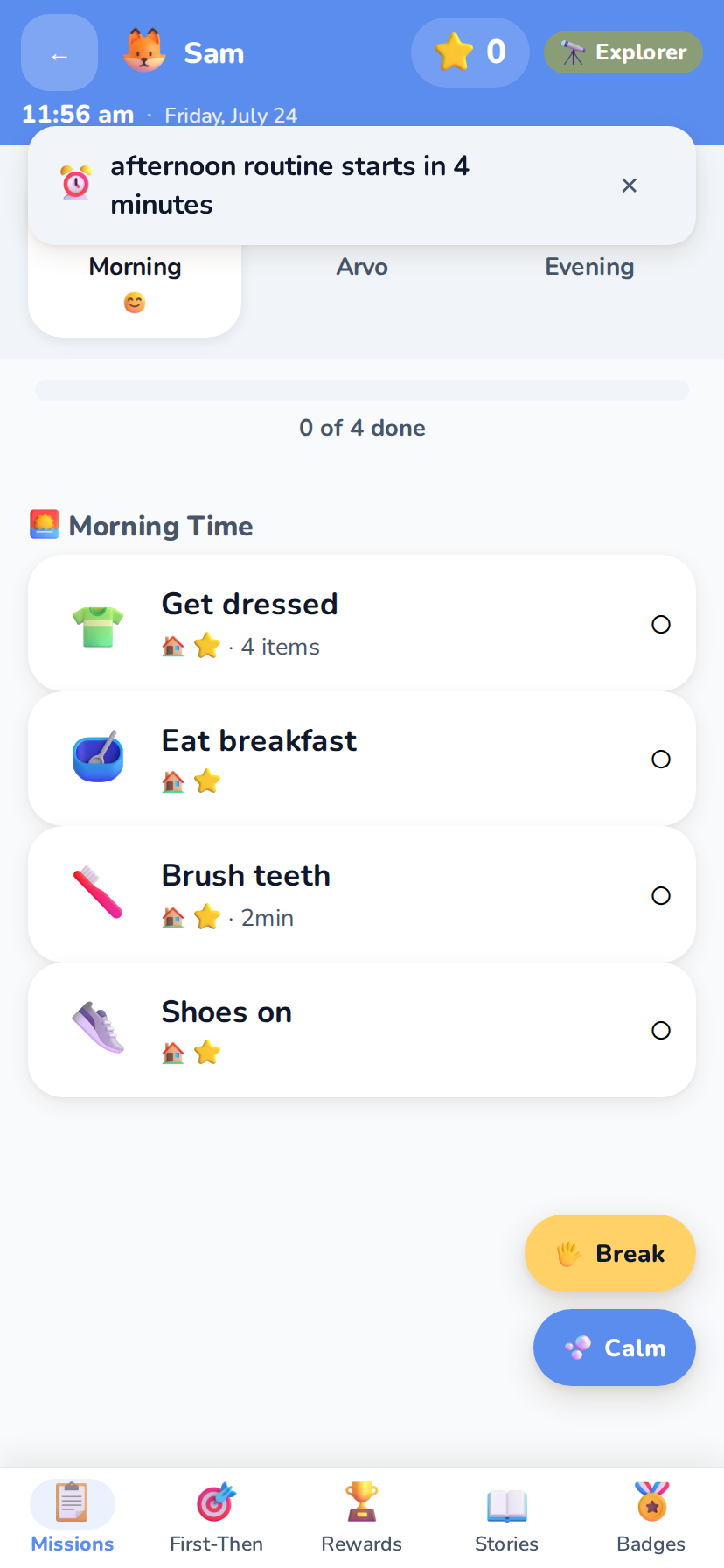
Mornings pack the most transitions into the least time. Sproutive replaces "hurry up, we're late!" with a visual schedule your child works through at their own pace — each step a friendly card with a picture, a star value, and an optional gentle timer.
Multi-stage transition warnings at 10, 5 and 2 minutes mean the end of breakfast never comes as a surprise — each one escalating gently from a subtle banner to a bigger one to a full-screen heads-up, and each individually switchable per child. Every card leads with a big friendly picture, so pre-readers always know what's next.
Big feelings, named before they grow
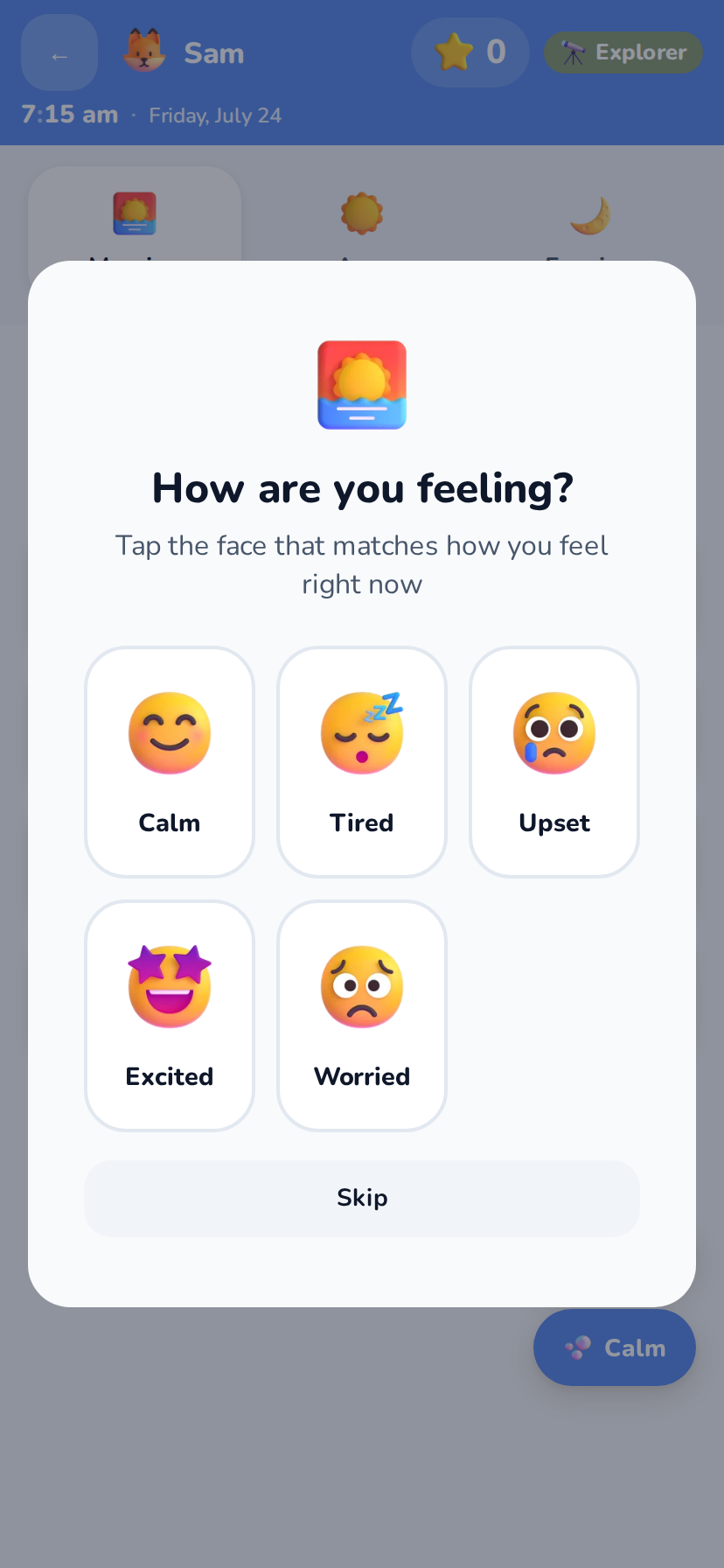
Before each routine, a quick emotion check-in asks "How are you feeling?" with eight friendly faces. Naming the feeling is the first regulation skill — and it takes one tap, so it never becomes another demand in a morning that already has too many.
Those taps quietly add up. Over the weeks the app spots which days and times the tough feelings cluster on, so "Tuesdays are hard" stops being a hunch and becomes something you can plan around.
When everything is too much at once
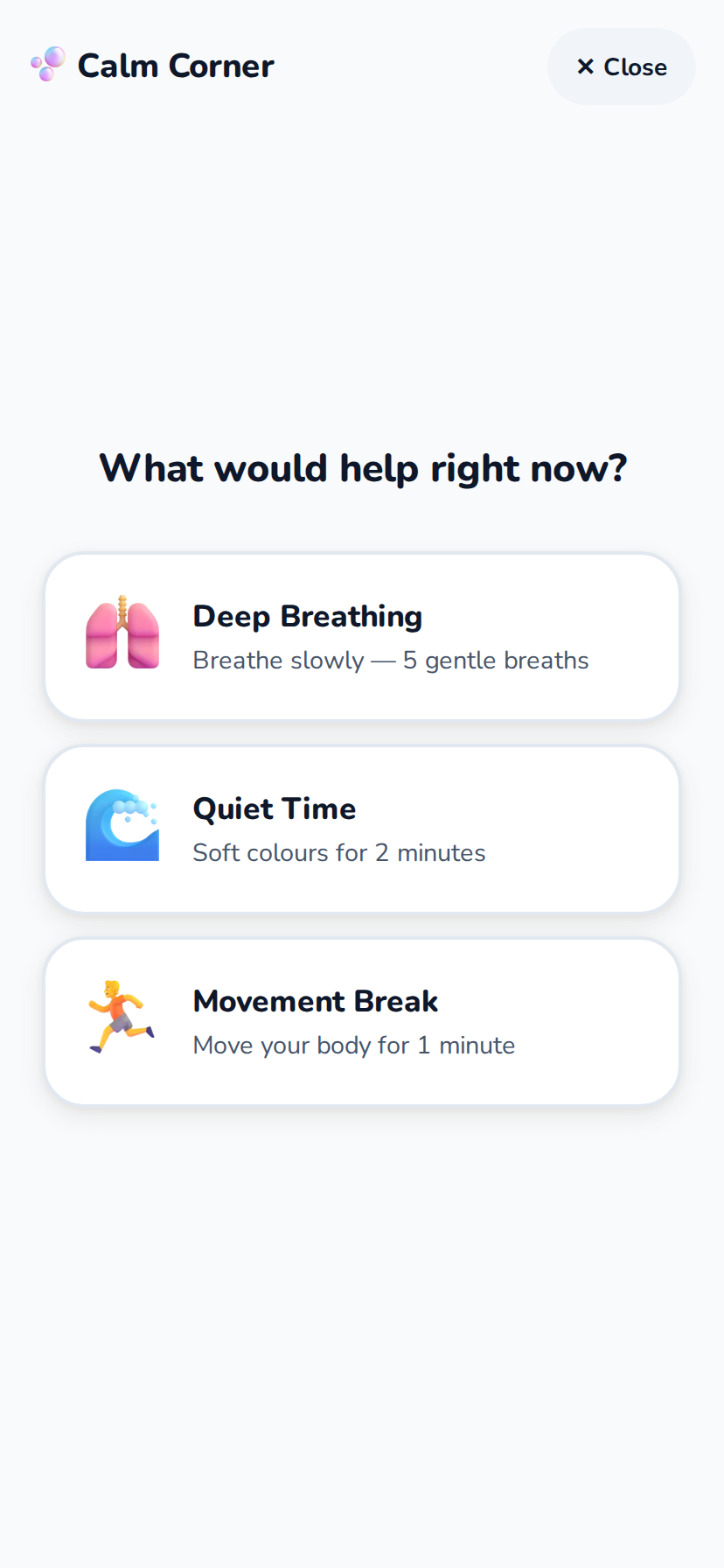
A Calm button sits on every routine screen. One tap opens the Calm Corner and the whole screen becomes just that one thing — guided breathing, quiet time or a movement break — with nothing else competing for attention. No hunting through menus at the exact moment nobody can manage a menu.
Kids can also ask for a break themselves, with a visual countdown showing when it's time to come back. A break they requested is a very different thing from a meltdown nobody saw coming, and the app treats it as the skill it is.
One step at a time: First–Then
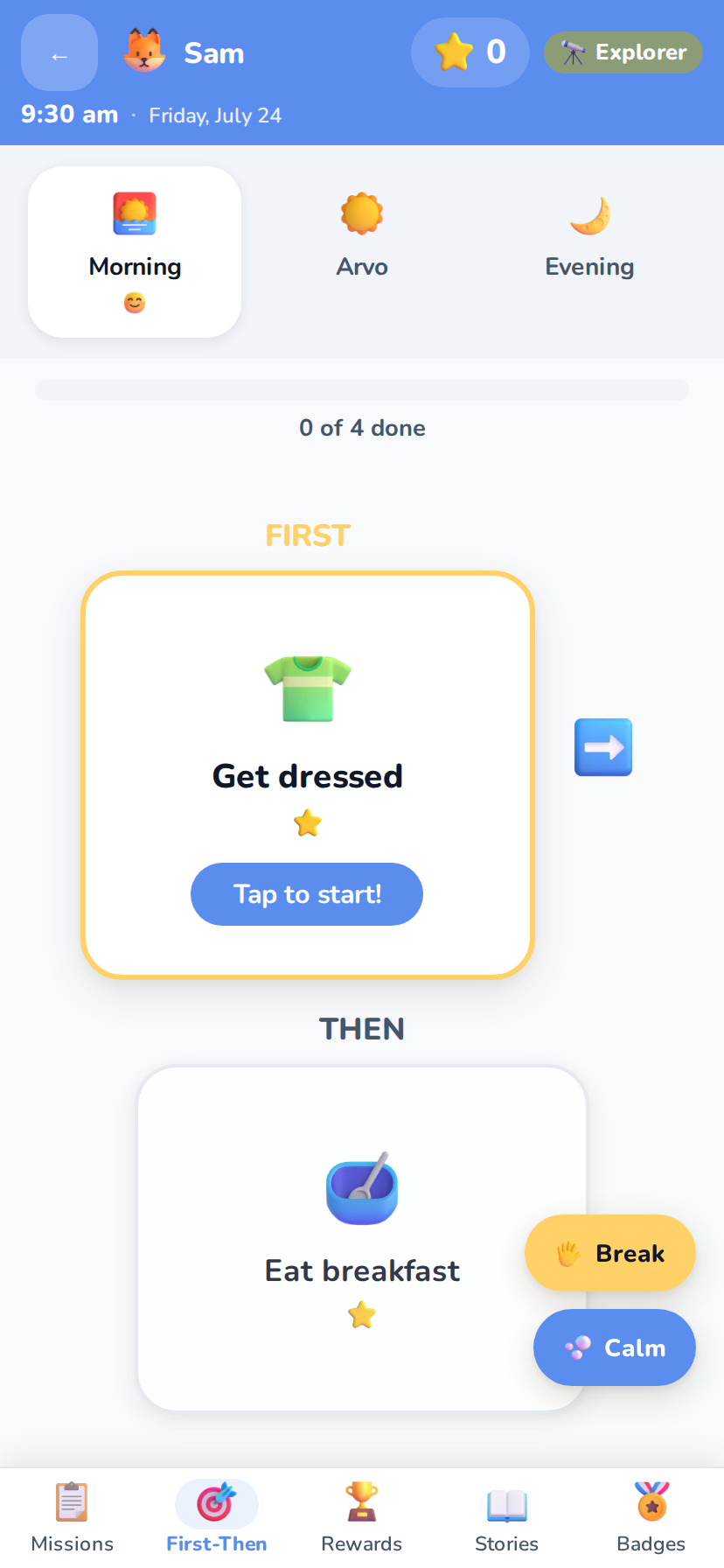
Some kids find even a five-item list overwhelming. The First–Then board shows exactly two things: First get dressed, Then trampoline time. It's a cornerstone of autism therapy, built right into every routine — switch any child between full-list and First–Then view whenever it suits them.
Choice boards go one step further, letting your child pick which task to do first or which snack to have. Small choices give a real sense of control, which lowers resistance to the whole routine.
When plans change unexpectedly
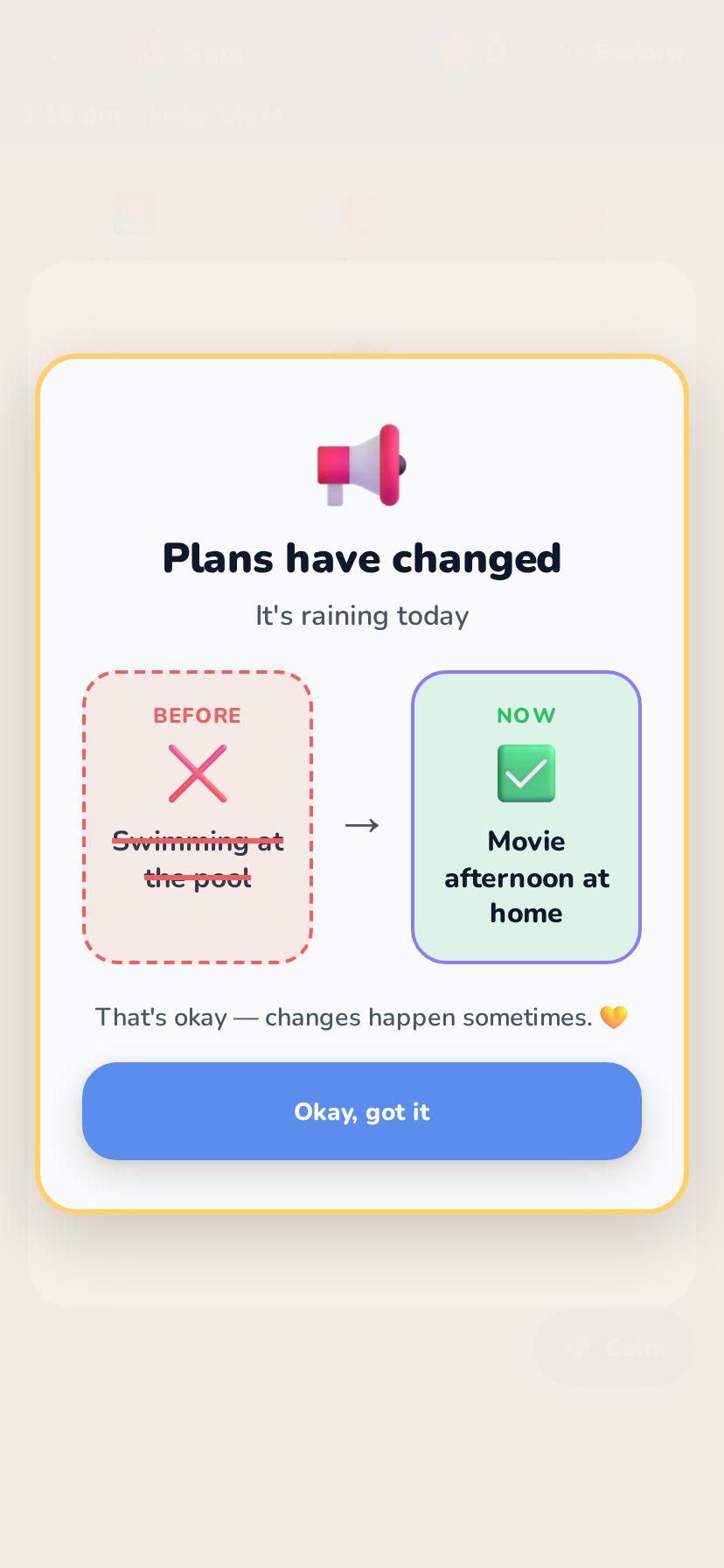
Rain cancelled the pool trip. The dentist ran late. For many neurodivergent kids, an unannounced change is the hardest moment of the week. Unexpected-change mode presents the change visually and calmly — what's different, what stays the same, and what happens instead.
Visual "why" support explains the reason behind tasks and changes in simple pictures and words, because "because I said so" doesn't help anyone regulate.
Waiting rooms, car trips and countdowns
Waiting is invisible and endless when you're six. From the parent panel you can start a wait on your child's screen — dinner, the car, the appointment — and it becomes something concrete: a countdown ring that visibly empties, a little character walking towards the finish line, an optional preview of what's coming afterwards, and a warm "the wait is over" when it ends.
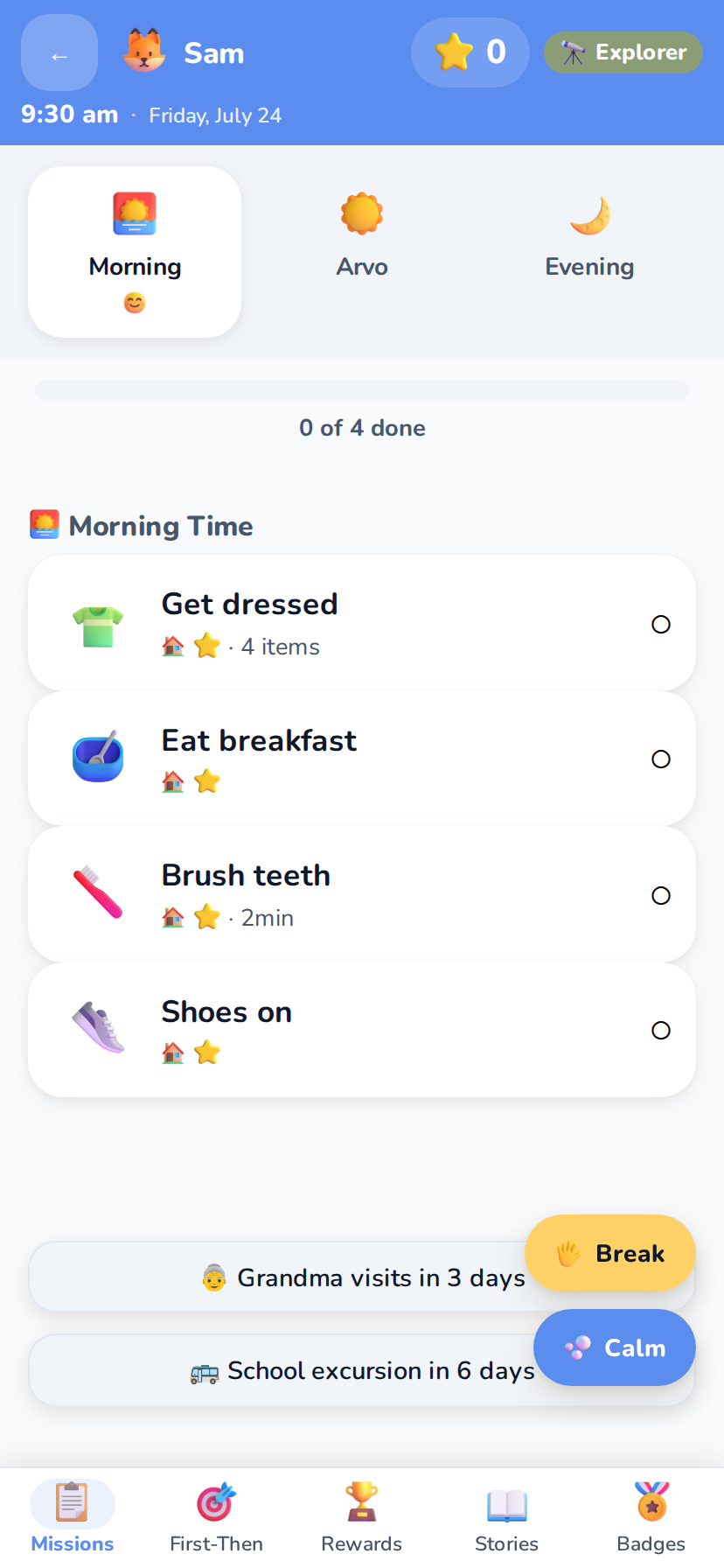
Event countdowns work the other way — Grandma's visit, the school excursion, a birthday — shown as sleeps-to-go on your child's home screen, so exciting (or worrying) events never ambush anyone.
New and tricky situations, rehearsed first
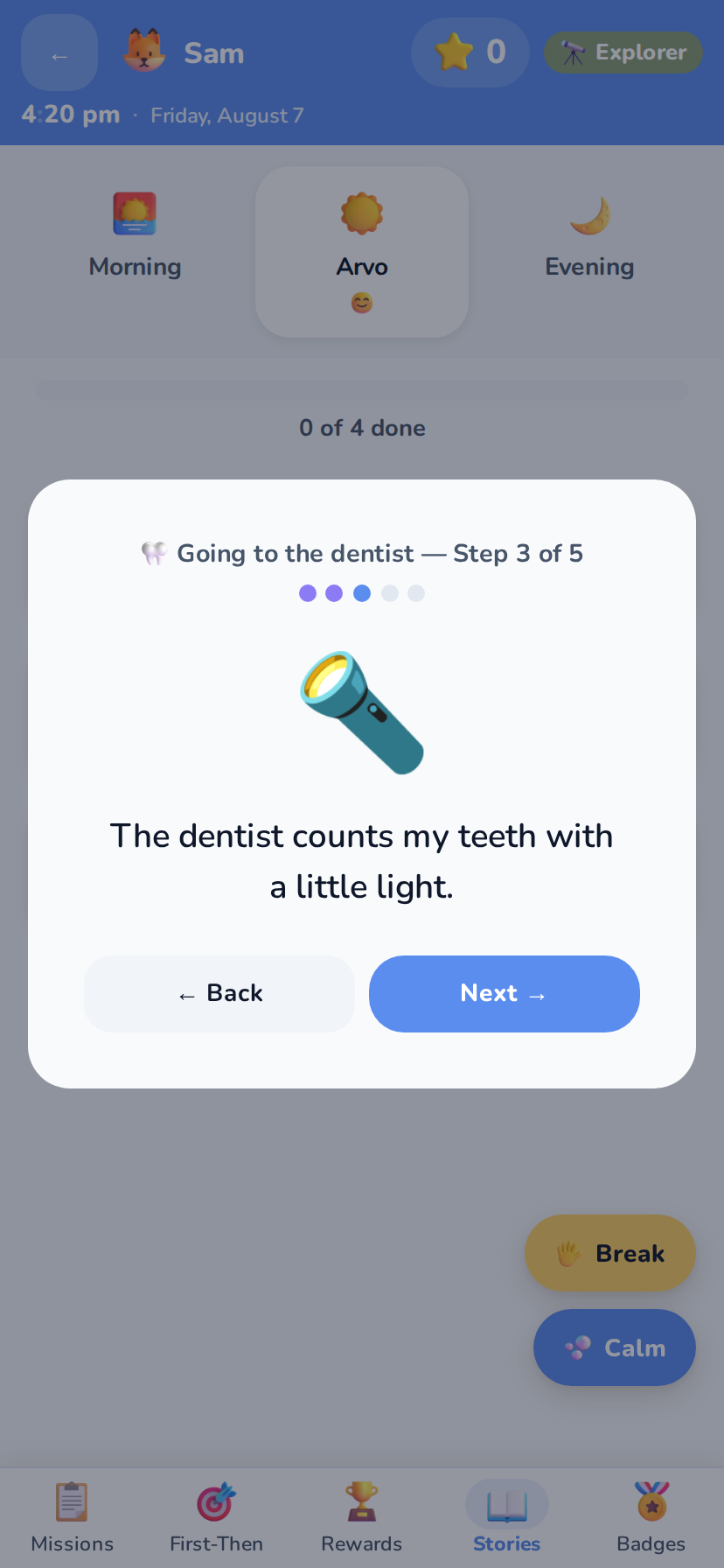
A haircut, a dentist appointment, the first morning at a new school. The hard part is rarely the event itself — it's not knowing what happens next, in what order, or when it ends. A social story walks your child through the whole thing beforehand, one picture and one plain sentence at a time, at whatever pace they need.
You write them, so they match your child's actual life: the real waiting room, the real teacher's name, the real thing that happens at the end. Stories live in your child's own Stories tab, so they can read them again in the car, the night before, or four times in a row — no parent required.
Growing real independence, gradually
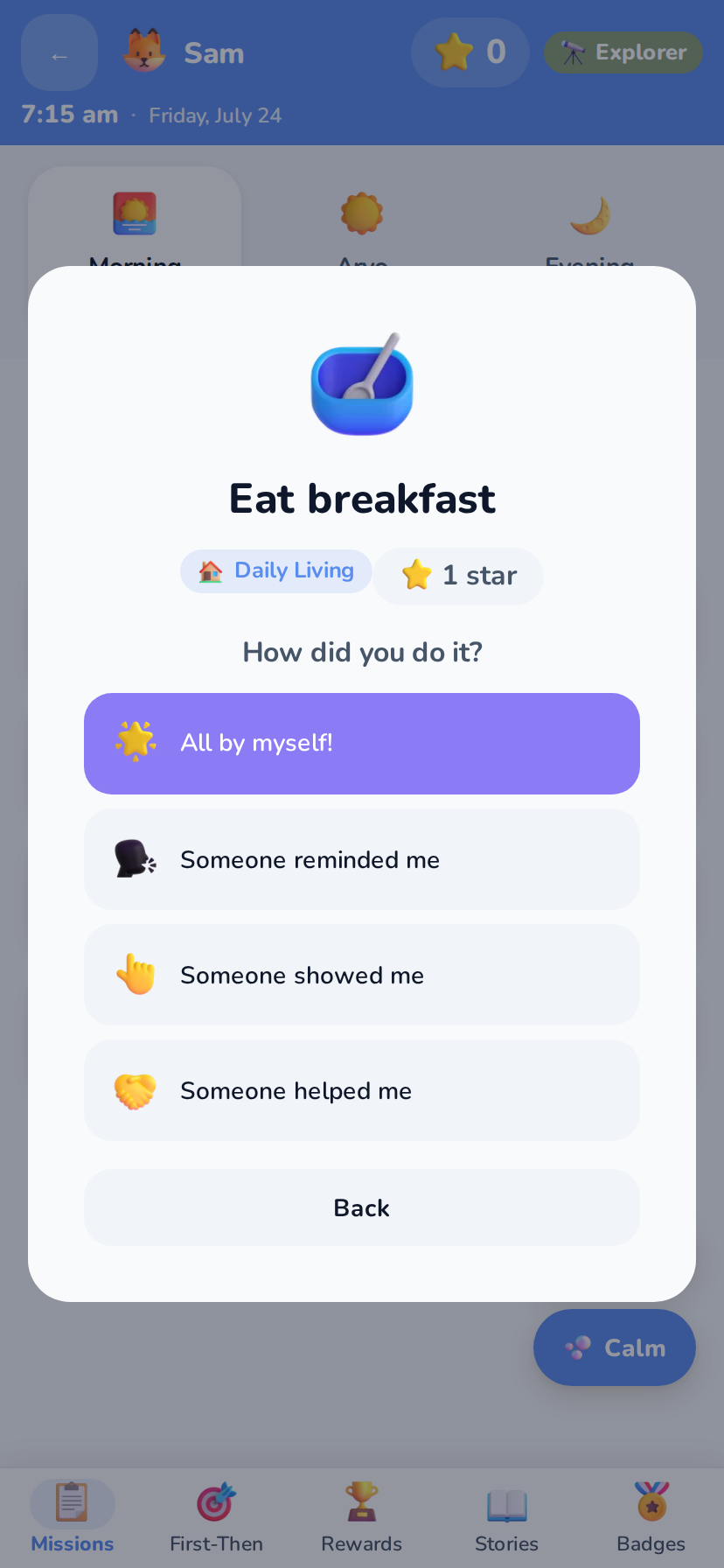
The goal was never the app — it's your child brushing their teeth without being asked. Every task has three support levels, so you can systematically fade prompts as skills grow: full guidance → gentle reminder → fully independent. This is prompt fading, a core evidence-based technique, made effortless.
Each completion quietly records how much help was needed, building an independence score you can watch climb over weeks. On rough days, stress day mode trims routines back to just the essentials — because progress isn't linear, and the app knows it.
A take-home tool that speaks your language
Sproutive is built directly on the methods you already use, so it slots into existing therapy and classroom plans instead of fighting them.
Visual schedules
TEACCH-style structured, picture-first routines that mirror what you build in sessions.
Token economy
Immediate, predictable, visual star reinforcement on every completed task.
Prompt fading
Three support levels per task, with independence data recorded automatically.
PDF & CSV reports
Parents can hand you clean progress data — exported locally, shared only if they choose.
Everything included — no unlocks, no upsells
🎨 Per-child themes
Six calm colour themes, avatars and dark mode — each child makes the app their own. Semantic colours never change, so it always feels predictable.
🏅 Levels & badges
Stars build XP through five levels, from Explorer to Legend, with achievement badges for streaks and milestones — gentle celebration, never pressure.
👏 Behaviour tracking
Quick-tap logging of kindness, sharing and brave moments — with optional bonus stars — plus your own behaviour goals to track over time, so the record of your child isn't only about what was hard.
🔇 Quiet by design
Visual-first and calm: the only sound in the app is a gentle, brief completion chime — no startling audio, ever.
📖 Social stories
Step-by-step picture stories that prepare kids for haircuts, dentist visits, new schools and other big moments.
🧰 Routine templates
Age-appropriate starter routines built in — begin with a template, then shape it to your child.
📓 Parent journal
A private daily note and day rating alongside the data — the context numbers can't capture.
🔐 PIN-gated parent area
All settings, data and insights live behind a parent PIN with a security-question recovery — kids see only their calm, simple world.
👧👦 Multiple children
Unlimited child profiles on one device, each with their own routines, rewards, theme and progress.
☑️ Three kinds of task
A simple check-off, a timed task with a visual countdown, or a checklist that breaks one big job into small ticks — each worth one to three stars.
😓 Stress day mode
One switch for the hard days: optional tasks disappear so only the essentials show, and reward costs are halved so a win is still within reach.
🚫 No permissions asked
No camera, microphone, photos, location, contacts or notifications. Sproutive requests nothing from your device — there is simply nothing to grant.